Shopify makes it easy to launch an online store, but simply having a store is not enough. Your products still need to appear on Google when people search for what you sell.
This is where a clear Shopify SEO checklist becomes important.
Shopify SEO helps improve your product pages, collection pages, images, website speed, content, and technical structure. When these areas are optimized properly, your store has a better chance of getting organic traffic and sales from search engines.
Many store owners depend only on paid ads. Ads can bring quick results, but they can also become expensive. SEO helps build a stronger long-term channel where your store can attract shoppers without paying for every click.
In this guide, we will explain a simple Shopify SEO checklist for online stores in 2026. The goal is to help you understand what to fix first and how to make your store easier for both Google and customers to understand.
Why Shopify SEO Matters
Shopify gives you a strong platform to sell products online, but your store still needs SEO work to rank well.
Google needs to understand your products, collections, pages, images, and content. Customers also need clear pages that help them decide quickly.
Shopify SEO helps improve:
- Search visibility
- Product rankings
- Collection page rankings
- Organic traffic
- User experience
- Page speed
- Product discovery
- Organic sales
A well-optimized Shopify store can bring shoppers who are already searching for your products. This makes SEO an important part of long-term e-commerce growth.
1. Start With Keyword Research
Before optimizing your Shopify store, you need to know what your customers are searching for.
Keyword research helps you find the right words and phrases for your products, collections, blogs, and pages.
For example, instead of only targeting a broad keyword like “bags,” a store can target more specific searches like:
- Leather laptop bags
- Travel bags for women
- Waterproof school bags
- Office bags for men
- Best handbags for daily use
These specific keywords can bring better traffic because they match real buying intent.
Your Shopify SEO plan should include keywords for:
- Homepage
- Collection pages
- Product pages
- Blog posts
- FAQs
- Buying guides
Good keyword research helps you understand what pages to create, what pages to improve, and which products have the best SEO opportunity.
2. Write Clear SEO Titles and Meta Descriptions
Every important Shopify page should have a clear SEO title and meta description.
Your SEO title tells search engines and users what the page is about. Your meta description gives users a short reason to click.
A good SEO title should:
- Clearly describe the page
- Include the main keyword naturally
- Be easy to read
- Match the search intent
- Avoid keyword stuffing
A good meta description should:
- Explain the page clearly
- Include a benefit
- Use natural language
- Encourage users to click
Do not depend only on auto-filled meta descriptions. Shopify may pull random text from your page, but custom descriptions are usually better for important pages.
3. Optimize Shopify Product Pages
Product pages are very important because they directly affect both SEO and sales.
A strong product page should help customers understand the product quickly and feel confident about buying.
Your product pages should include:
- Clear product title
- Unique product description
- Product benefits
- Features and specifications
- Size, color, or material details
- High-quality images
- Price and offer details
- Shipping information
- Return policy details
- Customer reviews
- FAQs
- Clear call-to-action button
Avoid copying product descriptions from suppliers or manufacturers. Duplicate content can make it harder for your product pages to stand out.
Write product descriptions in a simple and helpful way. Explain what the product is, who it is for, and why someone should buy it.
4. Improve Shopify Collection Pages
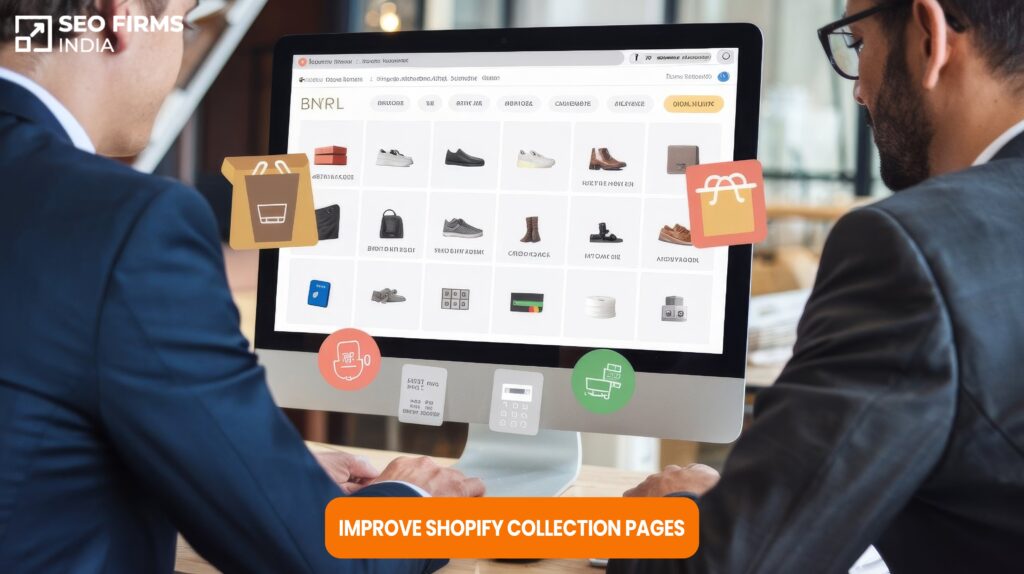
Collection pages are often more powerful for SEO than single product pages.
Many customers search for product groups, not only exact product names. For example, someone may search for “women’s summer dresses” or “organic skincare products.” These searches are usually a good match for collection pages.
A strong Shopify collection page should include:
- SEO-friendly collection title
- Helpful intro text
- Relevant product listings
- Simple filters
- Internal links
- Clean URL
- Short FAQs if needed
- Clear navigation
Do not leave collection pages as empty product grids. Add helpful content that explains the category and guides customers toward the right products.
Your best-selling and highest-value collections should be optimized first.
5. Use Clean and Simple URLs
Shopify URLs should be easy for users and search engines to understand.
A good URL should be short, readable, and related to the page topic.
For example:
Good URL:
/products/organic-face-serum
Weak URL:
/products/product12345-serum-final-new
Clean URLs help users understand the page before they click. They also make your website structure look more professional.
Avoid changing URLs too often. If you must change a URL, make sure the old URL redirects properly to the new one.
6. Add Image Alt Text
Images are very important for Shopify stores. Customers want to see products clearly before buying.
But images also need SEO work.
Alt text helps search engines understand what an image shows. It also improves accessibility for users who use screen readers.
Good image alt text should be:
- Simple
- Descriptive
- Relevant to the product
- Natural to read
For example:
Good alt text:
Black leather laptop bag for men
Weak alt text:
bag image 1
Do not stuff keywords into alt text. Describe the image clearly and naturally.
7. Compress Images and Improve Page Speed
Large images can slow down your Shopify store. Slow pages can affect user experience, conversions, and SEO performance.
Before uploading images, compress them so they load faster without losing too much quality.
You should also check:
- Homepage speed
- Product page speed
- Collection page speed
- Mobile speed
- App load impact
- Image file sizes
- Theme performance
Many Shopify stores become slow because they install too many apps. Remove apps that are not needed and keep your store clean.
A faster store can help shoppers browse products more easily and complete purchases with less frustration.
8. Improve Internal Linking
Internal links help customers and search engines move through your Shopify store.
For example, a blog post about “how to choose running shoes” can link to your running shoes collection page. A collection page can link to best-selling products. A product page can link to related products.
Good internal linking helps improve:
- Product discovery
- Collection visibility
- Website navigation
- Search engine crawling
- Page authority flow
Make sure your most important products and collections are easy to find. They should not be hidden deep inside your website.
9. Fix Duplicate Content Issues
Duplicate content is a common Shopify SEO problem.
It can happen when the same product description appears on many pages, filters create duplicate URLs, or product variants create similar pages.
Common duplicate content issues include:
- Same description on multiple products
- Copied supplier descriptions
- Duplicate collection URLs
- Filtered pages getting indexed
- Similar product pages with very little unique content
Duplicate content can confuse search engines and reduce your ranking potential.
To fix this, write unique content for important products and collections. Also review your index status to make sure Google is not indexing unnecessary pages.
10. Set Up Google Search Console
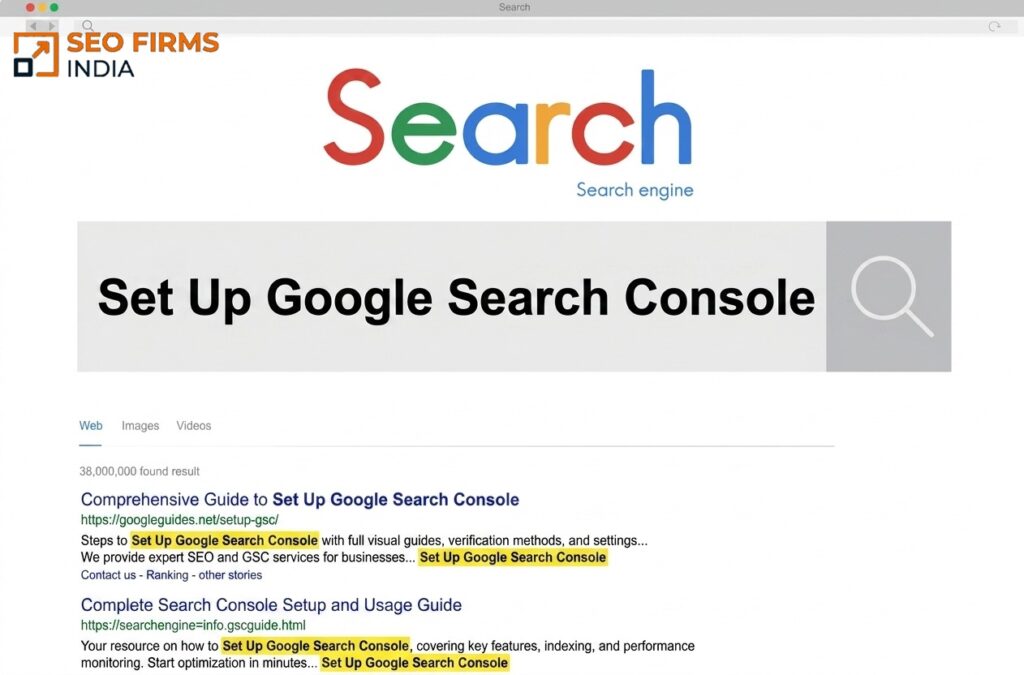
Google Search Console is important for every Shopify store.
It helps you understand how Google sees your website and which pages are getting clicks and impressions.
You can use Google Search Console to check:
- Search performance
- Indexed pages
- Sitemap status
- Page errors
- Search queries
- Top-performing pages
- Mobile usability issues
You should also submit your Shopify sitemap in Google Search Console. Shopify automatically creates a sitemap, but you still need to make sure Google can access it properly.
11. Track Organic Sales
SEO should not only be measured by traffic. For Shopify stores, sales matter.
You should track how much revenue comes from organic search. This helps you understand whether your SEO work is bringing the right shoppers.
Important metrics to track include:
- Organic traffic
- Organic revenue
- Product page visits
- Collection page visits
- Add-to-cart actions
- Checkout actions
- Conversion rate
- Best-selling products from organic traffic
- Keyword rankings
- Search impressions and clicks
Do not judge SEO success from one number only. A page can get traffic but fail to convert. A product can rank but not sell. Look at the full journey from search to sale.
Quick Shopify SEO Checklist for 2026
Use this checklist to review your Shopify store:
- Do keyword research for products and collections
- Write a unique homepage SEO title
- Write unique collection page titles
- Write product SEO titles
- Add custom meta descriptions
- Write readable product descriptions
- Avoid copied supplier content
- Add alt text to images
- Compress images before upload
- Improve collection page content
- Add internal links
- Fix duplicate content issues
- Review filter and variant URLs
- Improve page speed
- Remove unnecessary apps
- Set up Google Search Console
- Submit your sitemap
- Track organic traffic
- Track organic sales
You do not need to fix everything in one day. Start with the pages that can bring the most traffic and sales.
Common Shopify SEO Mistakes to Avoid
Many Shopify store owners lose traffic and sales because they ignore basic SEO issues.
Here are some common mistakes to avoid:
- Using the same description on many products
- Copying manufacturer descriptions
- Ignoring collection page content
- Not writing custom meta descriptions
- Using messy product titles
- Uploading heavy images
- Not adding image alt text
- Installing too many apps
- Ignoring mobile speed
- Not checking index status
- Not submitting the sitemap
- Not tracking organic revenue
Avoiding these mistakes can make your Shopify store stronger, cleaner, and easier to rank.
How to Know Your Shopify SEO Is Working
Good SEO should become easier to understand over time. You should know what was done, why it was done, and what changed because of it.
For Shopify SEO, track:
- Rankings
- Organic clicks
- Search impressions
- Collection page traffic
- Product page traffic
- Indexed pages
- Organic sales
- Conversion rate
- Add-to-cart actions
- Checkout actions
- Revenue from organic traffic
Look at the full journey. SEO is not only about getting visitors. It is about bringing the right visitors who are more likely to buy.
Frequently Asked Questions
Yes, Shopify can work well for SEO when product pages, collection pages, content, speed, images, and technical structure are optimized properly.
Yes. Unique product descriptions help users and search engines understand the product better. They also help your pages stand out from competitors using copied supplier content.
Yes. Blogs can help answer buyer questions, support product discovery, and bring visitors who are researching before making a purchase.
Start with your homepage, best-selling products, and most important collection pages. These pages usually have the highest value for traffic and sales.
Shopify SEO takes time. Results depend on your competition, website condition, content quality, technical issues, and how consistently SEO work is done.