If your website is not ranking even after adding content, there may be hidden technical SEO issues holding it back.
Many business owners keep writing blogs, updating service pages, or adding keywords, but they still do not see better rankings. Sometimes the problem is not only the content. The problem may be that search engines cannot crawl, index, or understand the website properly.
If you are searching for a technical SEO checklist, you are likely trying to solve a real business problem. You may want better rankings, more leads, stronger visibility, and a website that finally starts working for your business.
The good news is that you do not need confusing technical language to understand the basics. You only need to know what to check first and which issues can stop your website from performing well.
This guide gives you a simple technical SEO checklist to find crawl, indexing, speed, mobile, and structure issues that may be stopping your website from ranking.
Why Technical SEO Matters
Technical SEO helps search engines crawl, index, and understand your website. If your website has technical problems, even good content may not rank well.
Think of technical SEO like the foundation of a building. If the foundation is weak, the building cannot stand strong. In the same way, if Google cannot access or understand your pages, your rankings can suffer.
Technical SEO is not only for large websites. Small business websites also need clean structure, fast pages, mobile-friendly design, and proper indexing.
A technically healthy website can help improve:
- Search engine crawling
- Page indexing
- Website speed
- Mobile experience
- User experience
- Internal linking
- Ranking potential
- Lead generation

Start With Crawling and Indexing
The first step is to check if Google can find and index your important pages.
Use Google Search Console to review:
- Indexed pages
- Excluded pages
- Crawl errors
- Sitemap status
- Page experience issues
- Manual actions
- Security issues
Your important pages should not be blocked by robots.txt. They should also not have a noindex tag unless you truly want them hidden from search.
Also check if your XML sitemap includes the right pages. A sitemap helps search engines discover your pages, but it does not guarantee indexing.
Important pages to check include:
- Homepage
- Main service pages
- Location pages
- Important blog posts
- Contact page
- About page
If these pages are not indexed, they cannot bring search traffic.
Check Website Speed and Mobile Experience
Most people visit websites from mobile phones. If your website is slow or difficult to use on mobile, visitors may leave quickly.
Page speed can affect user experience and conversions. A slow page can reduce leads because people do not like waiting.
Common speed problems include:
- Large images
- Too many plugins
- Heavy scripts
- Poor hosting
- Unused CSS or JavaScript
- Large video files
- Unoptimized fonts
- Too many tracking codes
To improve speed, you can compress large images, remove unused scripts, use better hosting, reduce unnecessary plugins, and keep the design clean.
Your website should also work properly on mobile. Buttons should be easy to click, text should be readable, and forms should be simple to use.
Fix Website Structure and Internal Linking
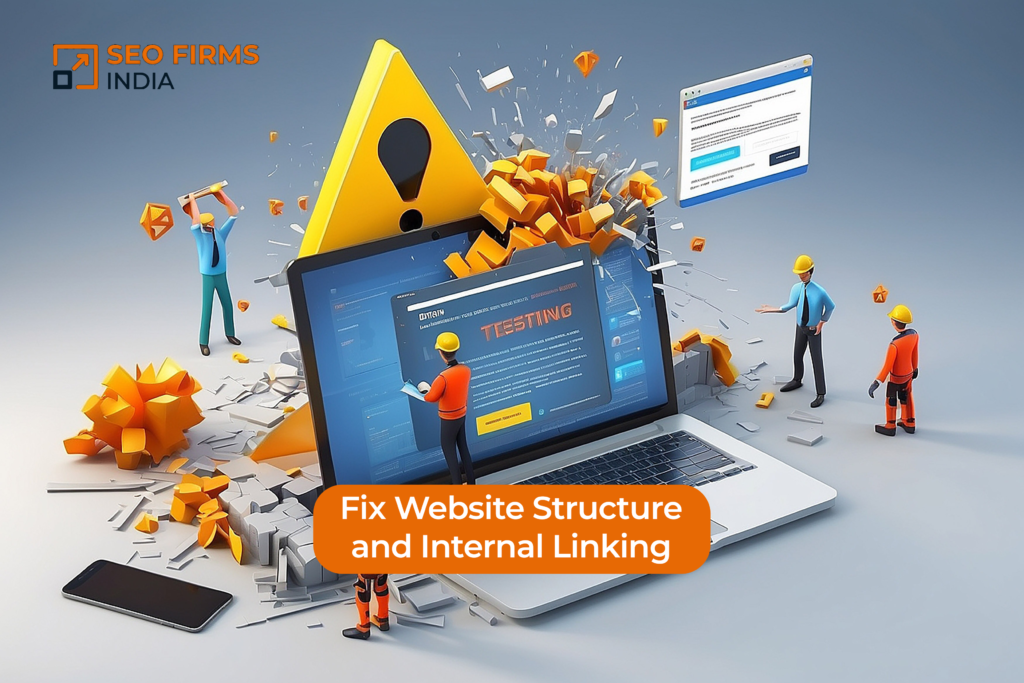
Your website should have a clear structure. Important pages should be easy to find from the homepage, menu, footer, or related content.
Internal links help users and search engines move through your website. If a page has no internal links pointing to it, it may be harder for Google to find and understand.
Good internal linking can help connect:
- Blog posts to service pages
- Service pages to contact pages
- FAQs to related services
- Case studies to relevant services
- Location pages to local service pages
For example, if you write a blog about SEO services, link it to your main SEO service page. If you have a case study, link it to the related service page.
Internal linking also helps users take the next step instead of leaving the website.
Review Your URL Structure
Clean URLs are easier for users and search engines to understand.
A good URL should be short, clear, and related to the page topic.
For example:
Good URL:/technical-seo-checklist
Weak URL:/page?id=12345
Avoid URLs that are too long, confusing, or filled with unnecessary words. Also avoid changing URLs without setting up proper redirects.
If you change an old URL and do not redirect it, users and search engines may land on a broken page.
Fix Broken Links and 404 Pages
Broken links create a poor user experience. They can also waste crawl budget and make your website look poorly maintained.
A broken link may happen when:
- A page is deleted
- A URL is changed
- A product or service page is removed
- An external website changes its link
- A redirect is missing
If users click a link and reach a 404 page, they may leave your website.
You should regularly check for broken links and fix them by updating the link, restoring the page, or adding a proper redirect.
Check Canonical Tags
Canonical tags tell search engines which version of a page is the main version.
This is important when similar content appears on different URLs. Without proper canonical tags, search engines may get confused about which page to rank.
Canonical issues can happen on:
- Product pages
- Blog category pages
- Filter pages
- Duplicate service pages
- HTTP and HTTPS versions
- www and non-www versions
Incorrect canonical tags can stop important pages from ranking properly.
Make Important Content Visible in Text
Search engines need to read your content clearly. If important information is hidden inside images, sliders, or complicated design elements, it may not be understood properly.
Your key content should be available as readable text on the page.
This includes:
- Service details
- Location information
- Benefits
- FAQs
- Process steps
- Contact details
- Calls to action
Design is important, but your website should not depend only on images to explain your services.

Quick Technical SEO Checklist
Use this checklist to review the most important technical SEO areas. You do not need to fix everything in one day. Start with the issues that affect crawling, indexing, speed, and conversions first.
- Check Google Search Console coverage
- Submit XML sitemap
- Review robots.txt
- Remove accidental noindex tags
- Fix broken links and 404 pages
- Improve mobile usability
- Compress heavy images
- Use clean URLs
- Add internal links
- Check canonical tags
- Review page speed
- Make important content visible in text
- Check redirects
- Fix duplicate content issues
Common Mistakes to Avoid
Many businesses lose time and money because they repeat the same mistakes. Avoiding these mistakes can protect your website and make your marketing work better.
Common technical SEO mistakes include:
- Creating more blogs without fixing indexing
- Blocking important pages by mistake
- Using heavy images without compression
- Ignoring mobile design
- Not linking to important service pages
- Changing URLs without redirects
How to Know You Are Moving in the Right Direction
Good digital marketing should become easier to understand over time. You should know what was done, why it was done, and what changed because of it.
For SEO work, track:
- Rankings
- Clicks
- Impressions
- Top pages
- Indexed pages
- Crawl errors
- Website speed
- Mobile usability
- Leads
- Phone calls
- Form submissions
- Sales where possible
For paid marketing, track:
- Cost per lead
- Lead quality
- Conversion rate
- Wasted spend
- Landing page performance
Frequently Asked Questions
Yes. If technical issues are blocking or weakening your pages, fixing them can help improve rankings, traffic, and user experience.
A monthly check is useful for small websites. Larger websites may need weekly monitoring because they have more pages, updates, and possible errors.
Some technical SEO fixes need a developer, but many issues can be found and planned by an SEO expert. Simple fixes like internal linking, image compression, sitemap checks, and Search Console reviews can often be handled without heavy development work.
Your website may have indexing issues, weak internal links, slow speed, poor mobile experience, duplicate content, or technical errors that stop pages from performing well.
Start with indexing, crawl access, mobile usability, page speed, broken links, and internal linking. These issues can directly affect visibility and user experience.